1. Export a SRT subtitle file from Live Timecode Notes app
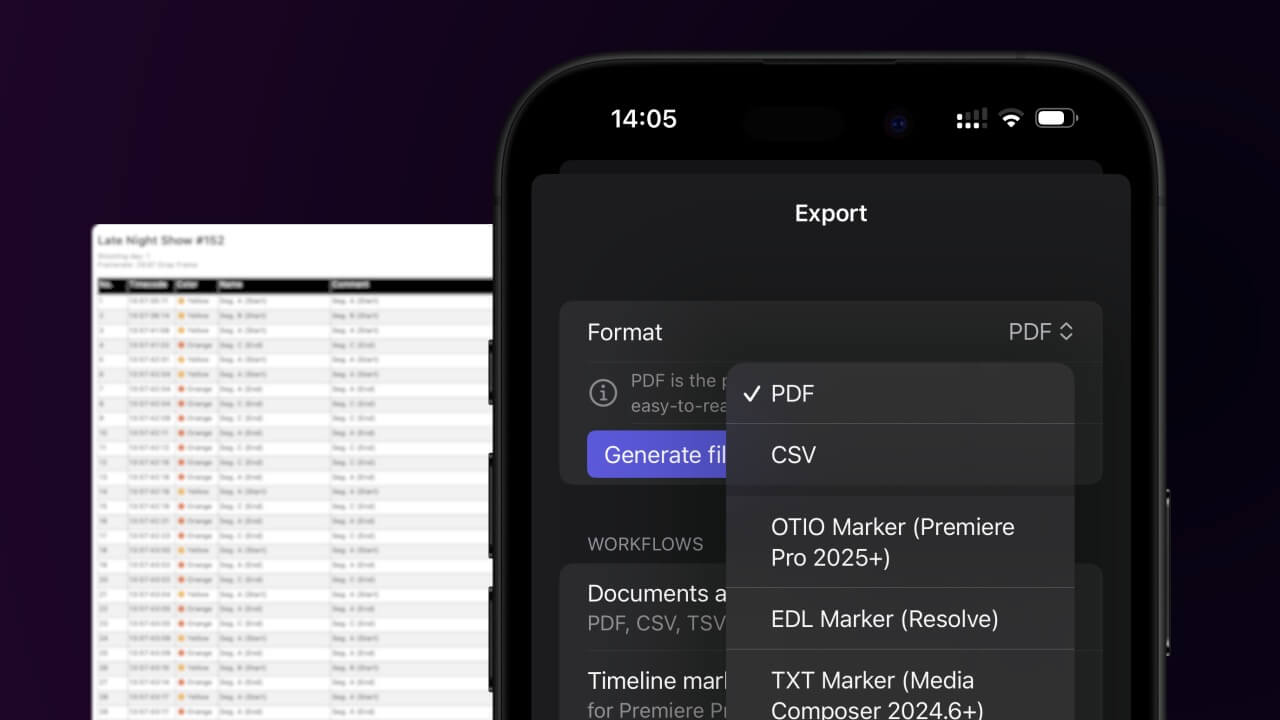
Open the project in the app, then select "Export Notes" from the top menu. Select "SRT" and activate "Sort by Timecode". Generate and save the subtitle file.
2. Import the SRT subtitle file into DaVinci Resolve
To import subtitles go to "Files -> Import -> Subtitle...". Select the subtitle file and import. You can now drag and drop the subtitle file from the Media Pool into your timeline.
🚀 Concluído
Por agora, é tudo! Se este tutorial te foi útil, partilha-o para nos apoiares. Se tiveres sugestões sobre como poderíamos melhorar o workflow, diz-nos!